
sending us feedback or suggestions
much of what you see in adeus today started life as feedback or a suggestion from our customers. We really do listen and we're always looking for ways to improve. If you have an idea or a suggestion, or simply want to share feedback on your experience with adeus follow these simple steps. It takes less than a minute, but has so much value to us.
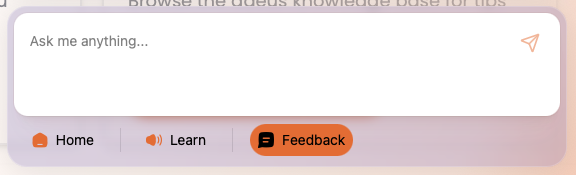
Step 1: Open the adeus help centre in the bottom right of the screen
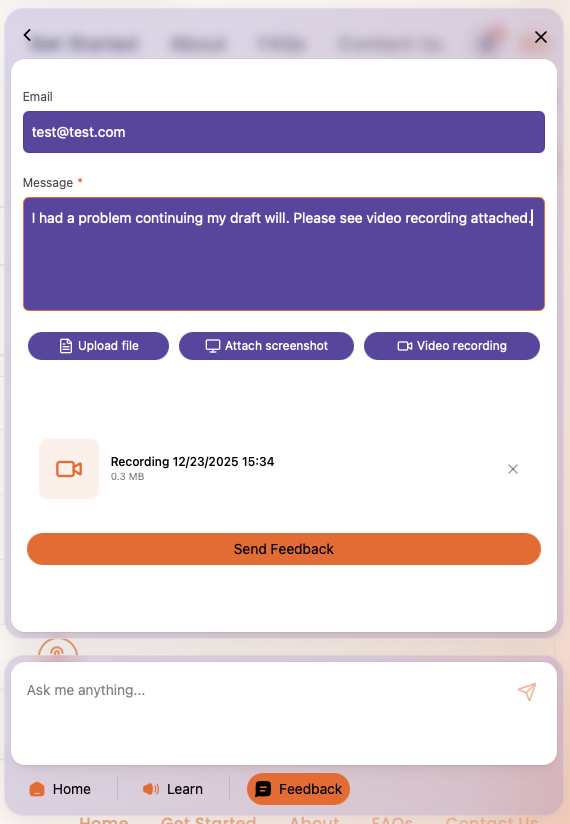
Step 2: Click 'Feedback'.
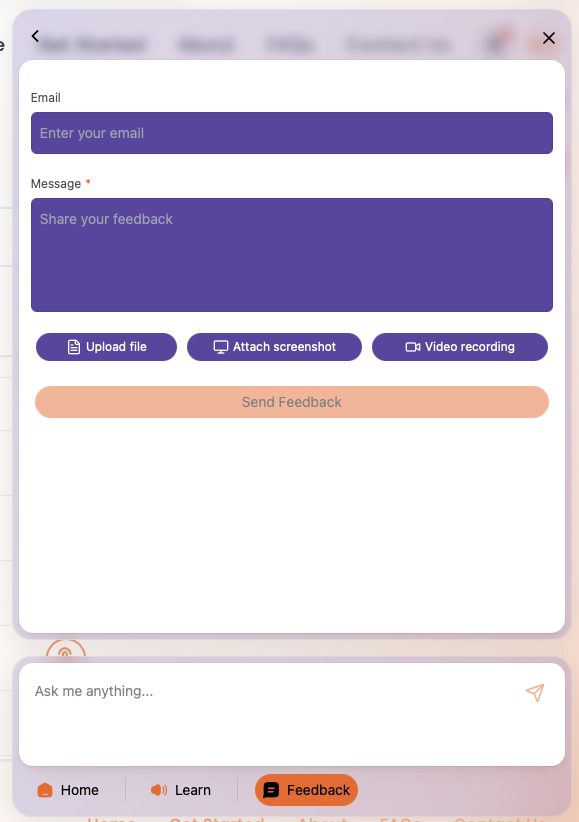
Step 3: Enter your email address so we can reply to you directly.
Step 4: Provide as much detail about your idea, suggestion, or feedback in the Message section.
Step 5: if you want, you can upload a file (for example a document or image), or you can take a Screenshot or a Video directly in adeus.
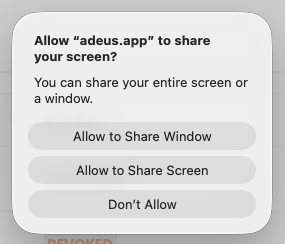
Step 6: If you want to take a screenshot, or a video, simply click the relevant button. When prompted allow adeus to access your screen, simply click 'Allow to Share Window' in Mac, or similar in a PC.
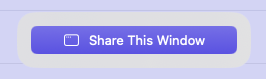
Step 9: Review the information in the Feedback window, if everything is correct simply click the 'Send Feedback' button. Your feedback will be sent to our team and we'll review and respond to you ASAP, generally within one business day, but usually within an hour or two during UK business hours.
We really love receiving feedback and we'll keep you updated on progress related to any ideas, suggestions, or feedback. You never know, the next time you log in to adeus you might see your idea live for others to benefit from.