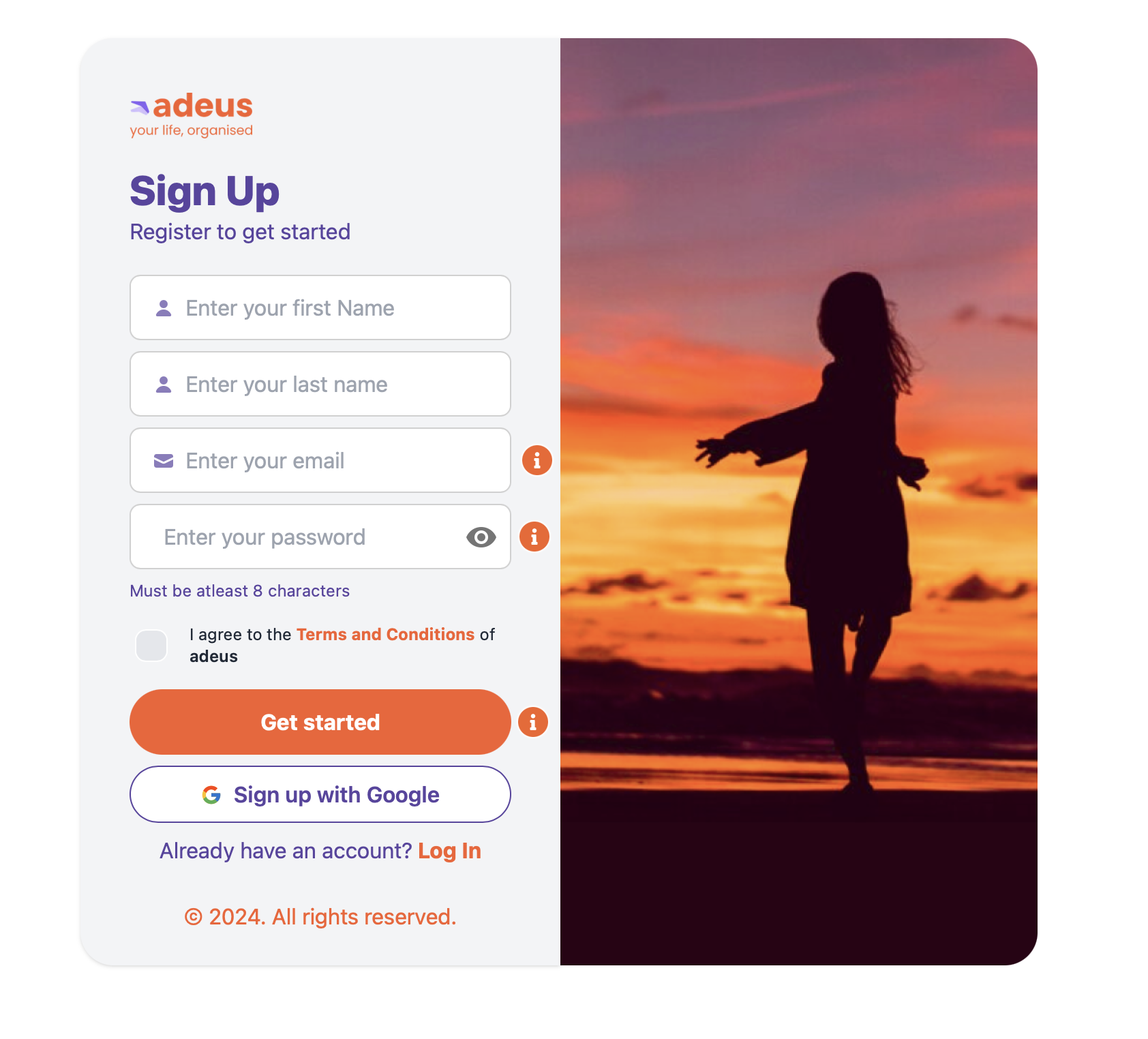
Create an adeus account
if you’re accessing adeus for the first time you’ll need to create an account.
Follow these simple steps to create your account:
- If you use Google, simply click 'Sign up with Google' to create an account.
- If you’d prefer to use an email to sign up, simply enter your first name, last/family name, your preferred email address, and choose a password.
- Review the Terms and Conditions and check the box to agree.
- Click the orange Get Started button.
- A verification code will be sent to the email address you entered.
- Check your email Inbox and copy the verification code
- If you didn’t receive, check your junk mail just in case it didn’t go to your Inbox
- Enter or paste the verification code
- Your account has now been created
- For added security, you will now be taken to the Login page
If you just created your account why do we ask you to login and enter a verification code again? This is for your security, it takes a few more seconds, but it’s a proven 99.9% effective in keeping your account secure, accessible only by you.