
how to subscribe to the Premium Digital Vault
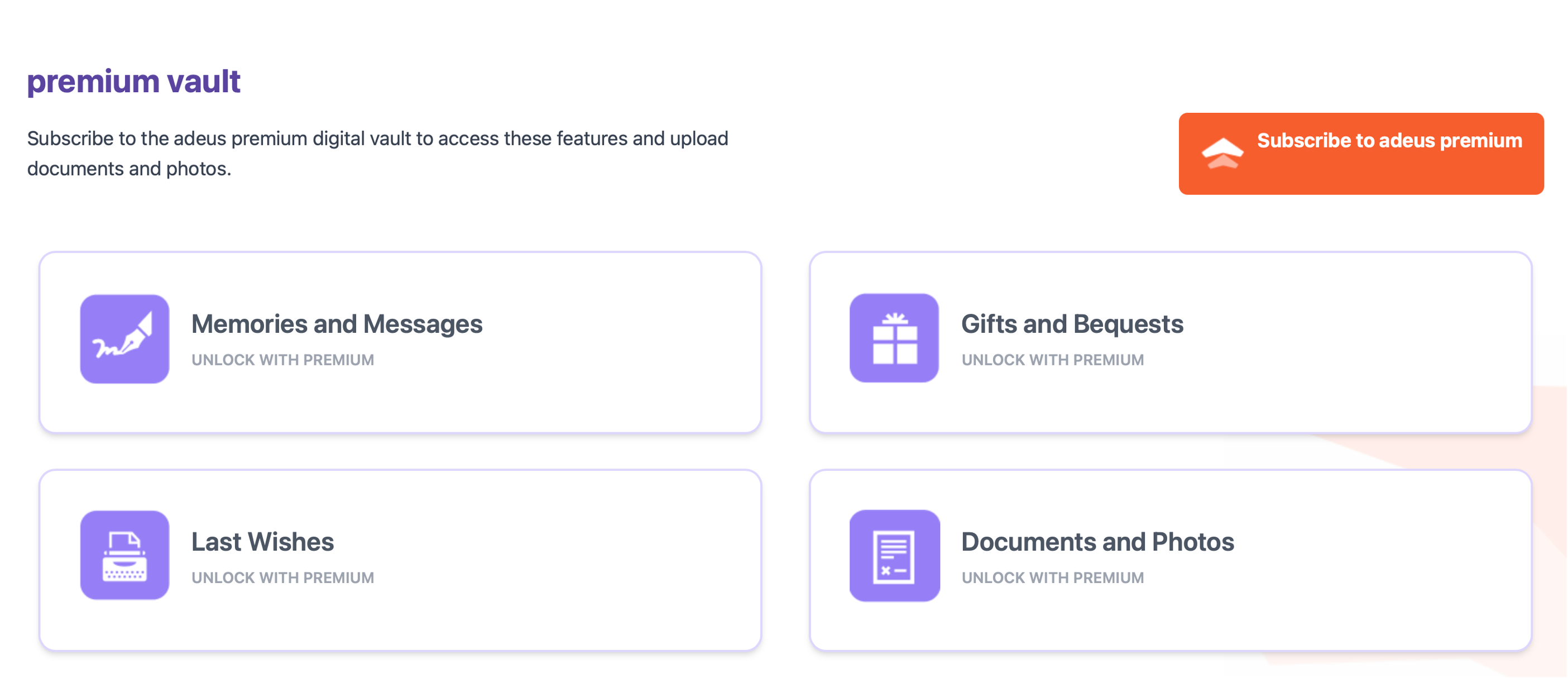
The premium vault adds even more functionality beyond the standard adeus Digital Vault, enabling you to upload important documents, photos and even videos. Premium allows you to add relevant documents in each category, and keep other documents and files in the ‘Documents & Photos’ folder, providing you with even more flexibility.
The premium version also includes three special sections:
- Memories & Messages
- Letter of Last Wishes
- Gifts & Bequests
Becoming a Premium Digital Vault Subscriber
In the Digital Vault, click the Subscribe to adeus premium button.
On the next page, choose your preferred plan, click the Choose your Plan button to proceed to payment.
A payment window will open allowing you to pay with your preferred debit of credit card (VISA, Mastercard, AMEX).
- Click the Subscribe button
- Review the subscription fee and click Proceed to Checkout
- Enter your name and billing address, then click Next
- Enter your credit/debit card details, then click Next
- Review the details, click Edit if you need to make any changes, then click Pay & subscribe
Your card payment will be processed and approved. Just follow the on screen instructions.
You’ll now be directed back to the My Wills page to review your newly created Will. Your Will will be reviewed by our team, and we'll send you an email when it's ready to be downloaded, printed and signed.
For your security: We use secure third-party subscription (Chargebee) and payment (Mollie) platforms, so you can be sure your information is secure and protected. We do not store your payment card details in adeus.